The situation
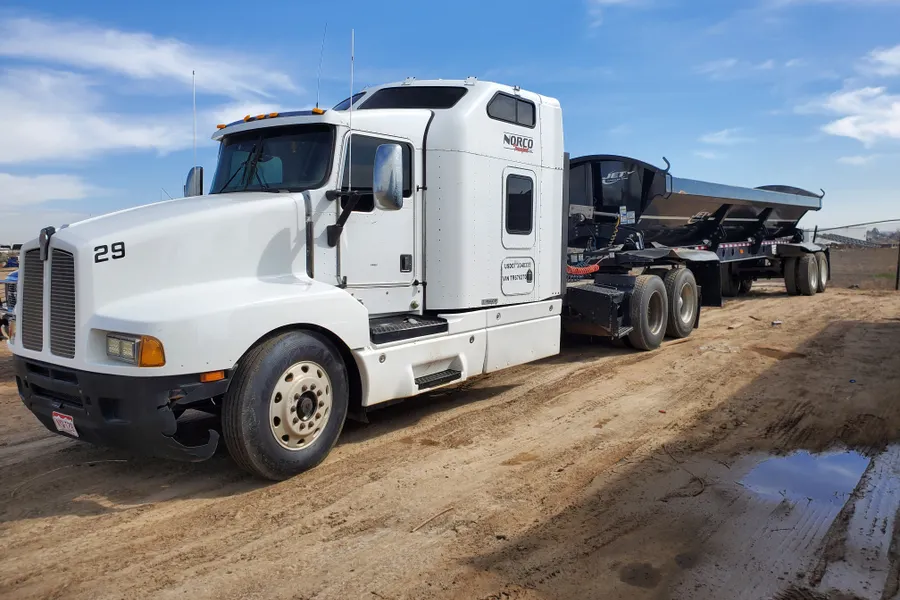
Since 2008, LJJ Construction has built and renovated commercial, industrial and public buildings around Houghton, Michigan, with work ranging from structural steel to underground utilities. With crews on several jobsites at once, every hour they worked took a long road to a paycheck. Time came in on paper timecards. Someone sorted it by hand into phase codes and pay types, then typed it all into QuickBooks again for payroll.
The rest of the business was just as scattered. Daily reports, site photos, RFIs, change orders, vendor bills and progress billing were spread across paper receipts and email inboxes. The office had become the integration layer. Every handoff, from field to project manager to accounting to QuickBooks, meant someone re-keying data, and job costs were only as current as the last time someone caught up.

What we built: a custom field-to-office platform
- Offline Crew Time App
- Time Allocation & Approval
- Daily Reports & Site Photos
- Digital Safety Meetings
- RFIs, Submittals & Change Orders
- Progress Invoicing & Retainage
- Payables & Job Ledger
- PTO & Time Off
- QuickBooks Online Sync
- AI Report Builder
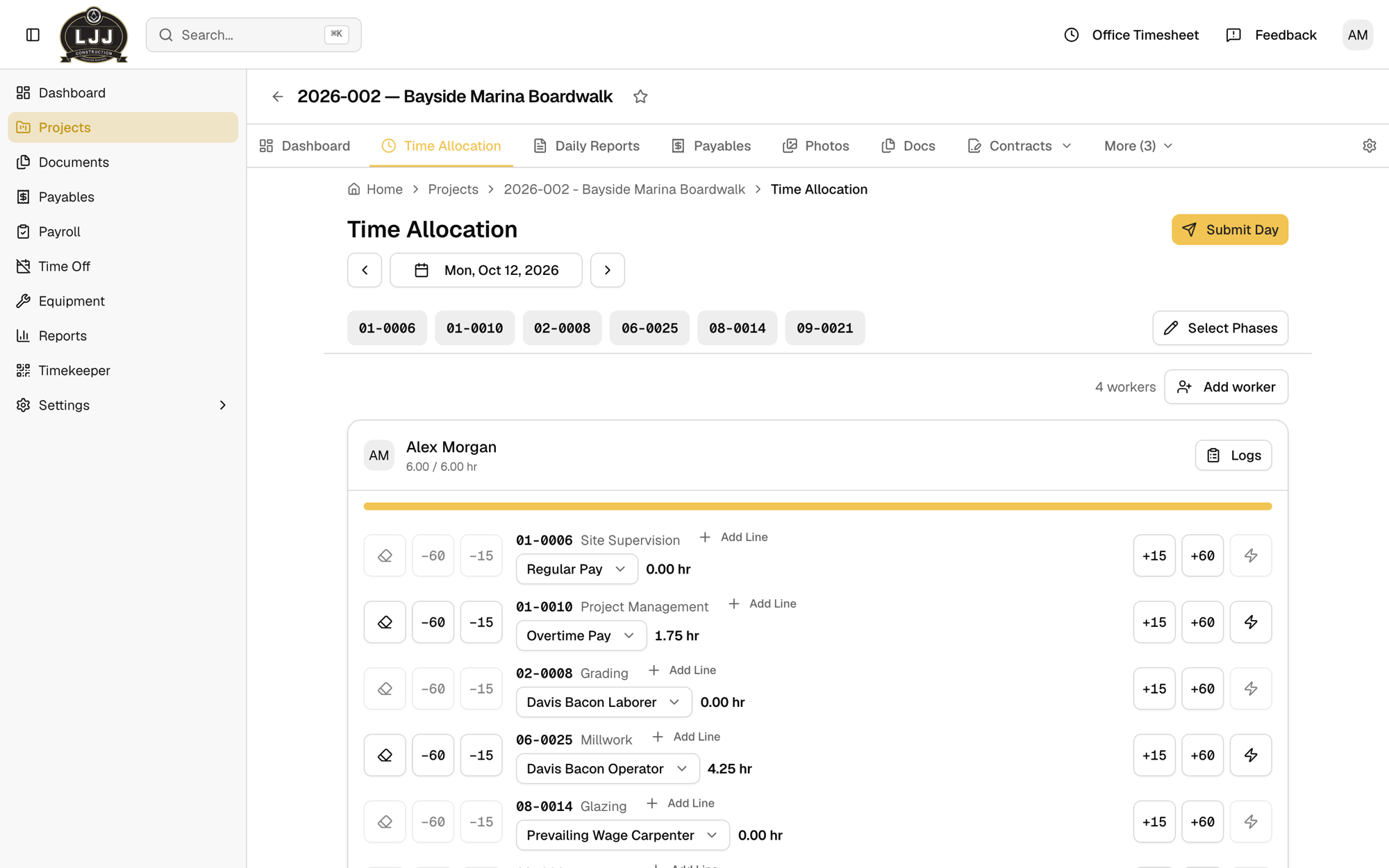
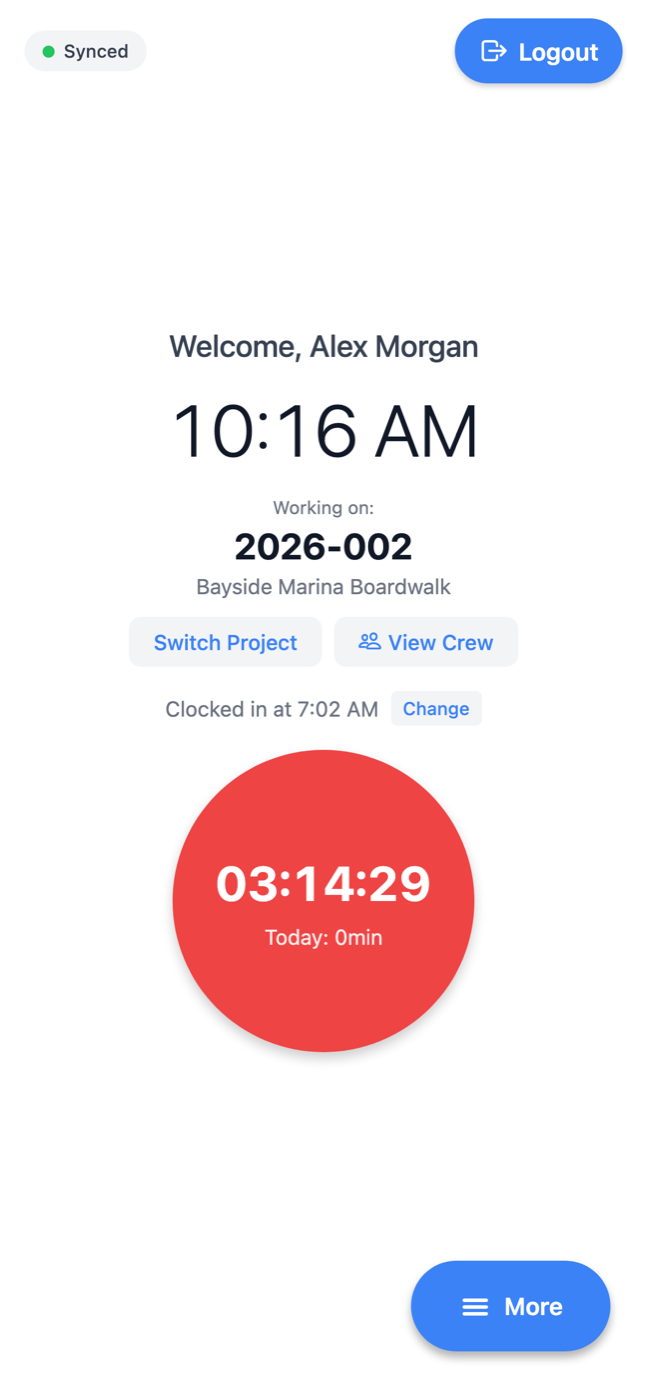
The LJJ app connects the jobsite to the books. Crews clock in on a phone app that keeps working without signal and syncs when it reconnects. Those hours are split across phase codes and pay types, approved by the project manager and pushed into QuickBooks Online timesheets without being retyped.
Everything else about a job lives in the same place: daily reports, site photos, safety meetings, RFIs, submittals and change orders. Vendor bills post to QuickBooks automatically, and progress invoices with retainage feed a live job ledger. When someone needs a number the screens don't show, they ask the built-in AI report builder in plain English.
 (opens full size in a new tab)
 (opens full size in a new tab)
Running now
Hours are entered once, on the jobsite, and move through approval to payroll without anyone retyping them. Project managers see a job's daily reports, photos, costs and billing in one place. Accounting works from approved numbers instead of chasing them, and QuickBooks stays in step with the field.